Chưa tải được trang.

Thử lại

Connect buyers and sellers.

Automate real estate workflows with AI.

Bella Villa

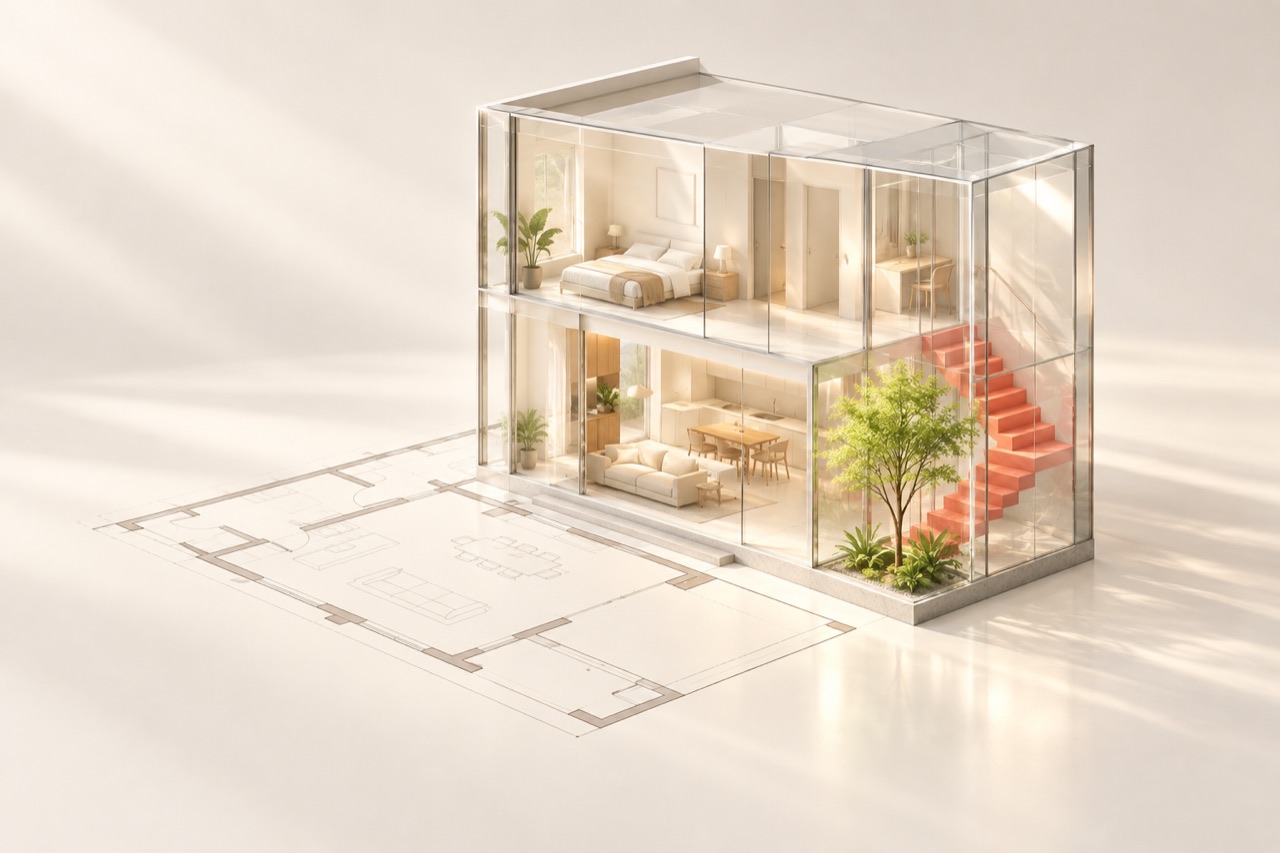
Illustrative finished-home rendering

Start with a message.

Add photos, documents or plans.

ĐómProperty brief
ĐómĐóm is thinking

Your task. Your control.

Choose your workflow and approval steps.

ĐómWorkflow setup
What would you like to do?
Execution mode
Model
Model
DocumentsImages + videoYour approval

Ready for each channel.

You choose channels, access and budgets.

ĐómYour channels

Content is ready for review.

Select a channel
Garden
Illustrative finished-home rendering

Connect your account

Set schedule and spending limits

You decide before publishing

Connect buyers and sellers.

Automate real estate workflows with AI.

Đóm Agent

Start with a message.

Add photos, documents and plans. Tell Đóm what you need.

ĐómProperty brief
Đóm

Let's start with the property brief. Would you like a listing, images or video?

Your task. Your control.

Use a ready-made workflow or create one. Choose models and approval points.

ĐómWorkflow setup
What would you like to do?
Execution mode
Model
DocumentsImages + videoYour approval

From a plan to a place.

Generate 3D visuals, listing copy, and video clips tailored to your target distribution channels.

Explore the Bella Villa example
A 3D architectural visualization above a floor plan
Architectural visualization

Ready for each channel.

From channel setup to publishing and ads. You choose accounts, permissions and budgets.

Portrait, landscape and square visuals
ĐómYour channels

Content is ready for review.

Select a channel

Connect your account

Set schedule and spending limits

You decide before publishing

Pay for the work you use.

Your team leads in-person showings while Đóm handles listing preparation and buyer outreach workflows.

AI usage
Usage based
Service fee
By scope of work
Advertising budget
You decide

Deployment scope and costs are agreed before work begins.